How to Log in
Visit mind.zeit-ai.com/app/ and use the E-Mail Code login method.
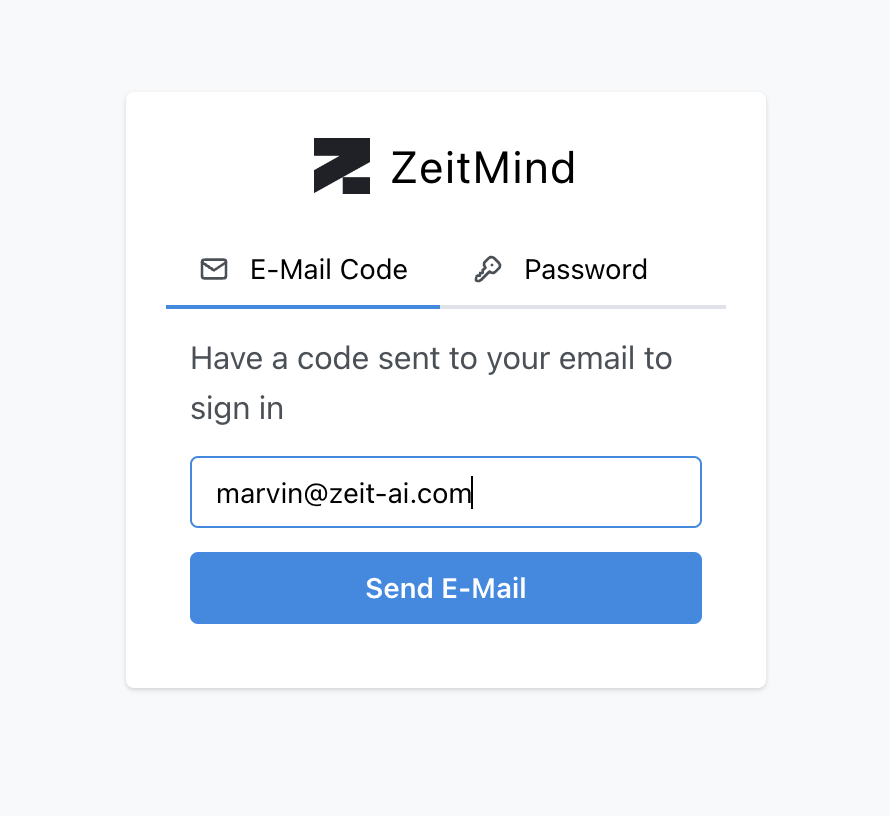
After submitting your email address, you will be prompted for a code.
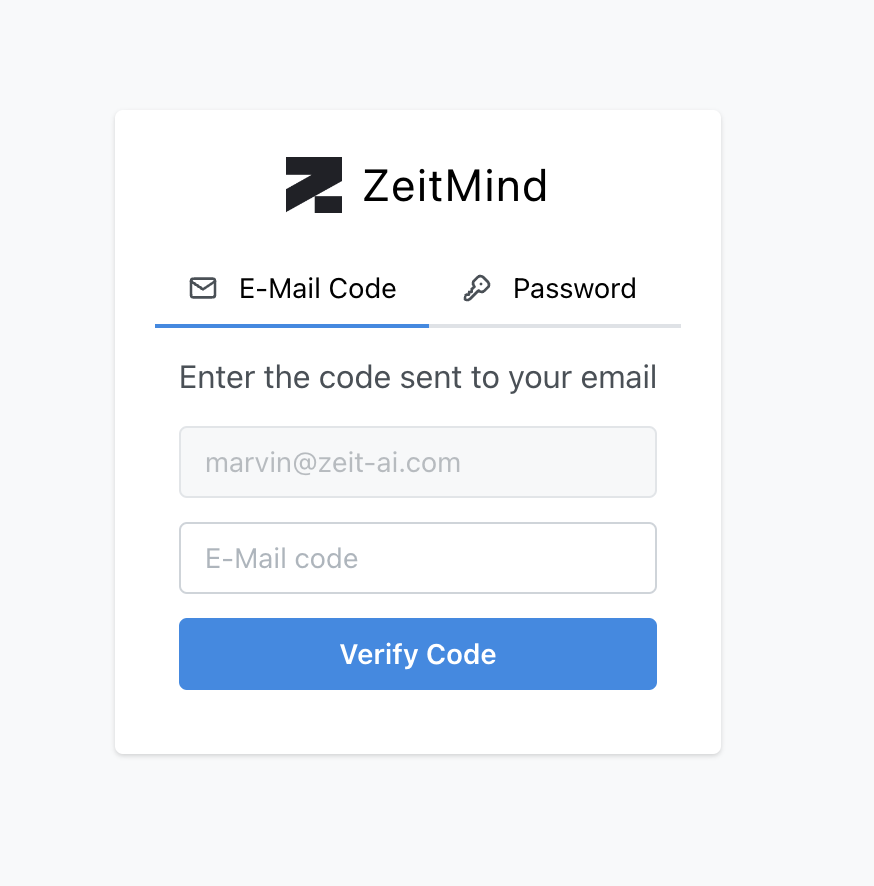
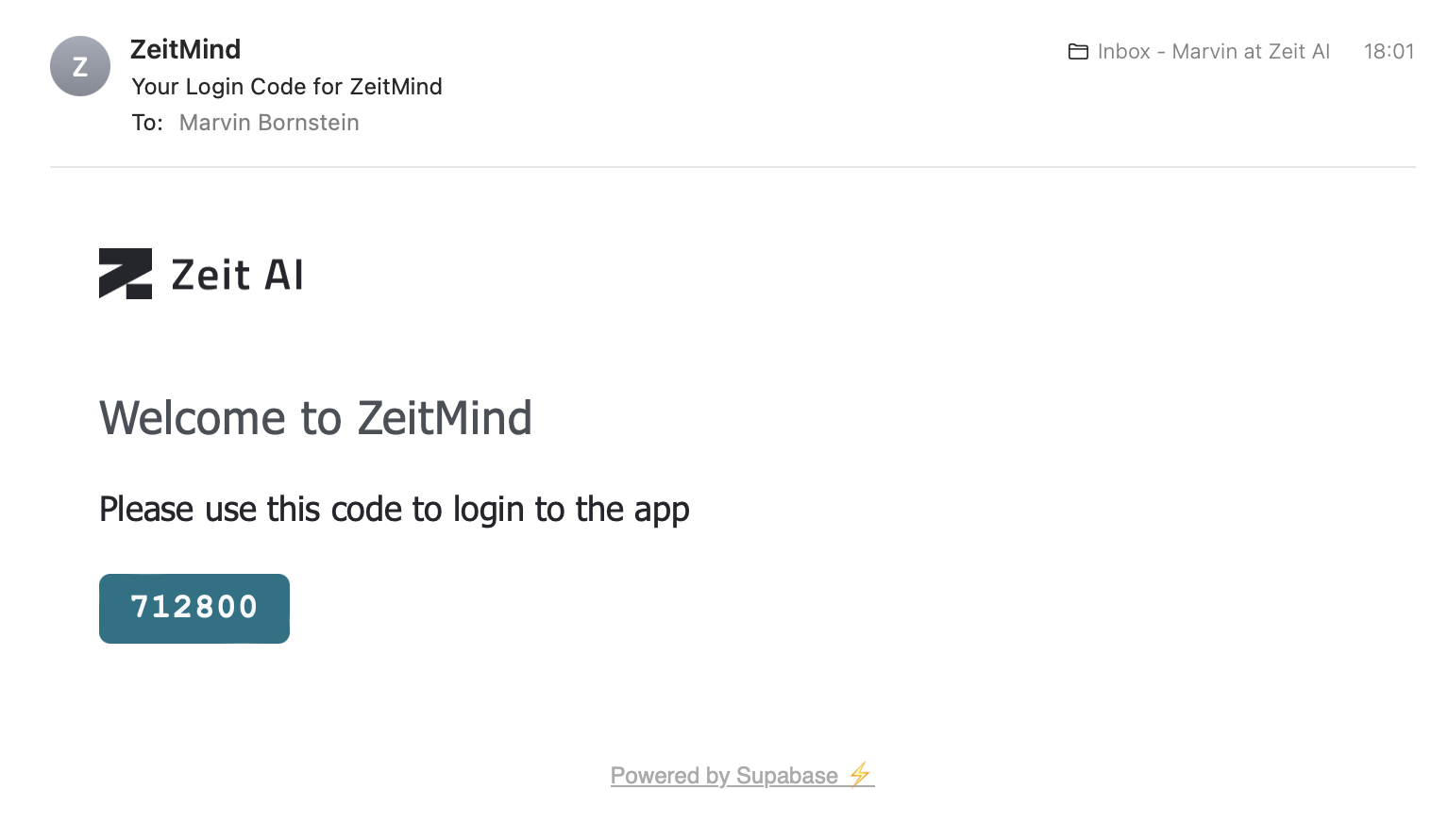
Check your email inbox and copy the code.
The email might look different depending on your email client.
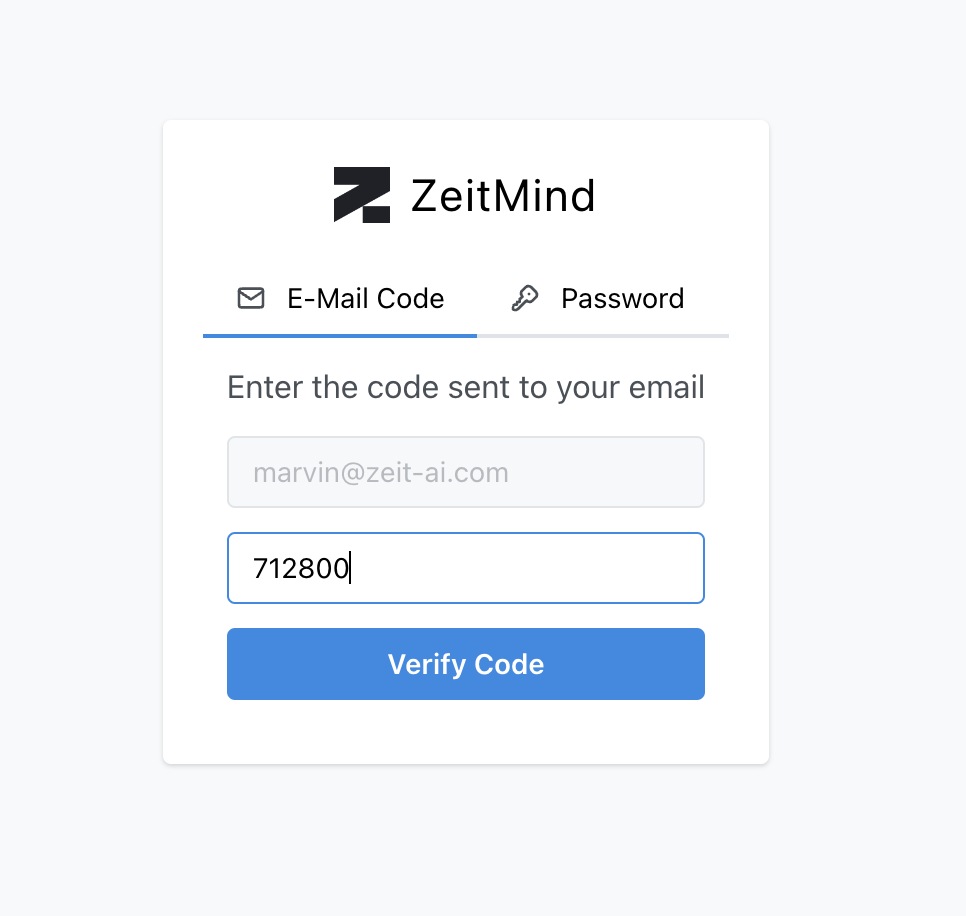
Use the code to finish the login. Now you can use ZeitMind to analyze your data.
💡 If you don't want to use this method to login in the future, you can also setup a password to avoid checking your email inbox for the code.